Stunning clipboard manager
that thinks for you.
A lightweight, privacy-focused clipboard manager for macOS with 29 themes across horizontal and vertical layouts. Built natively with SwiftUI for a fast, polished desktop experience.

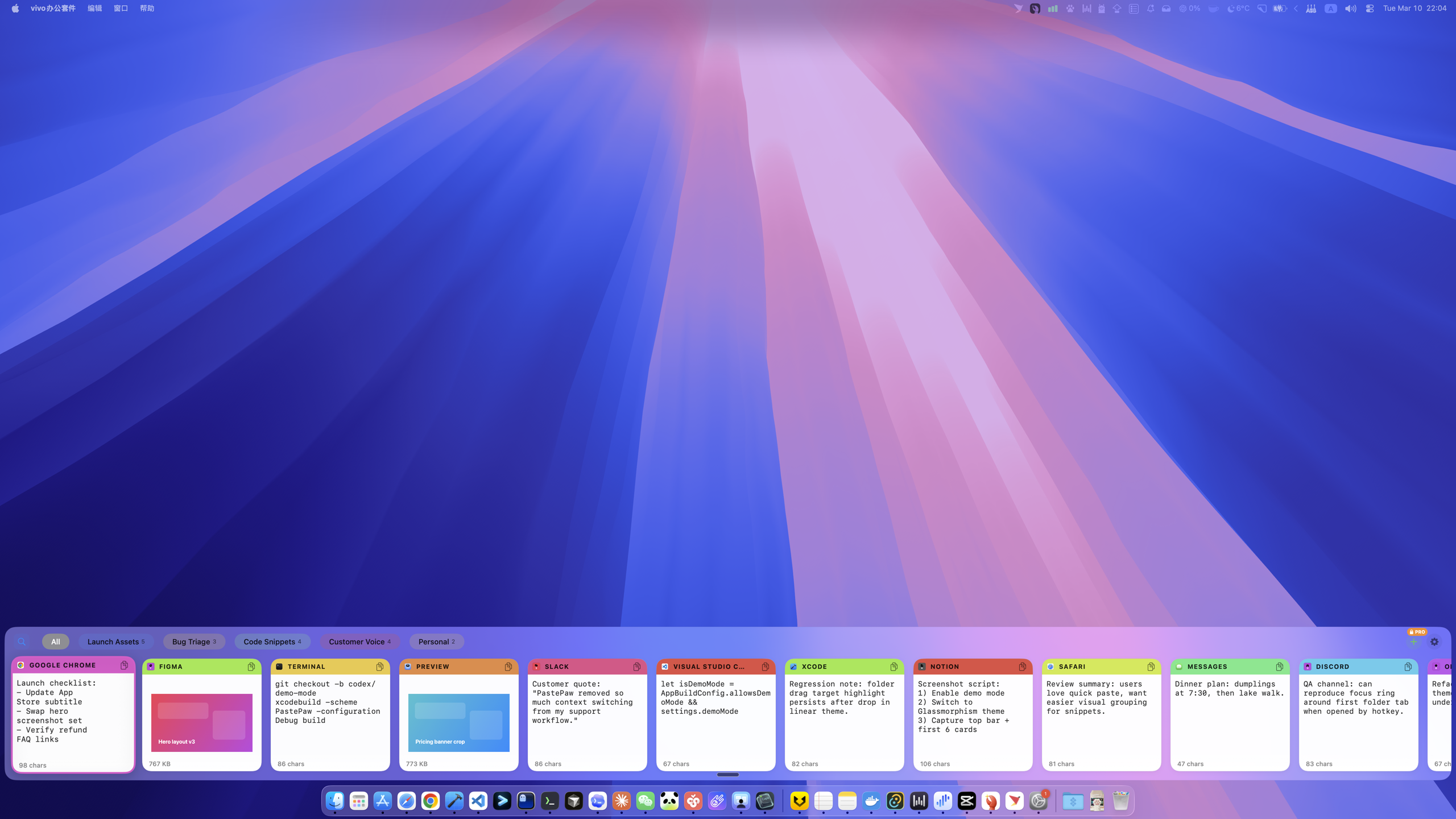
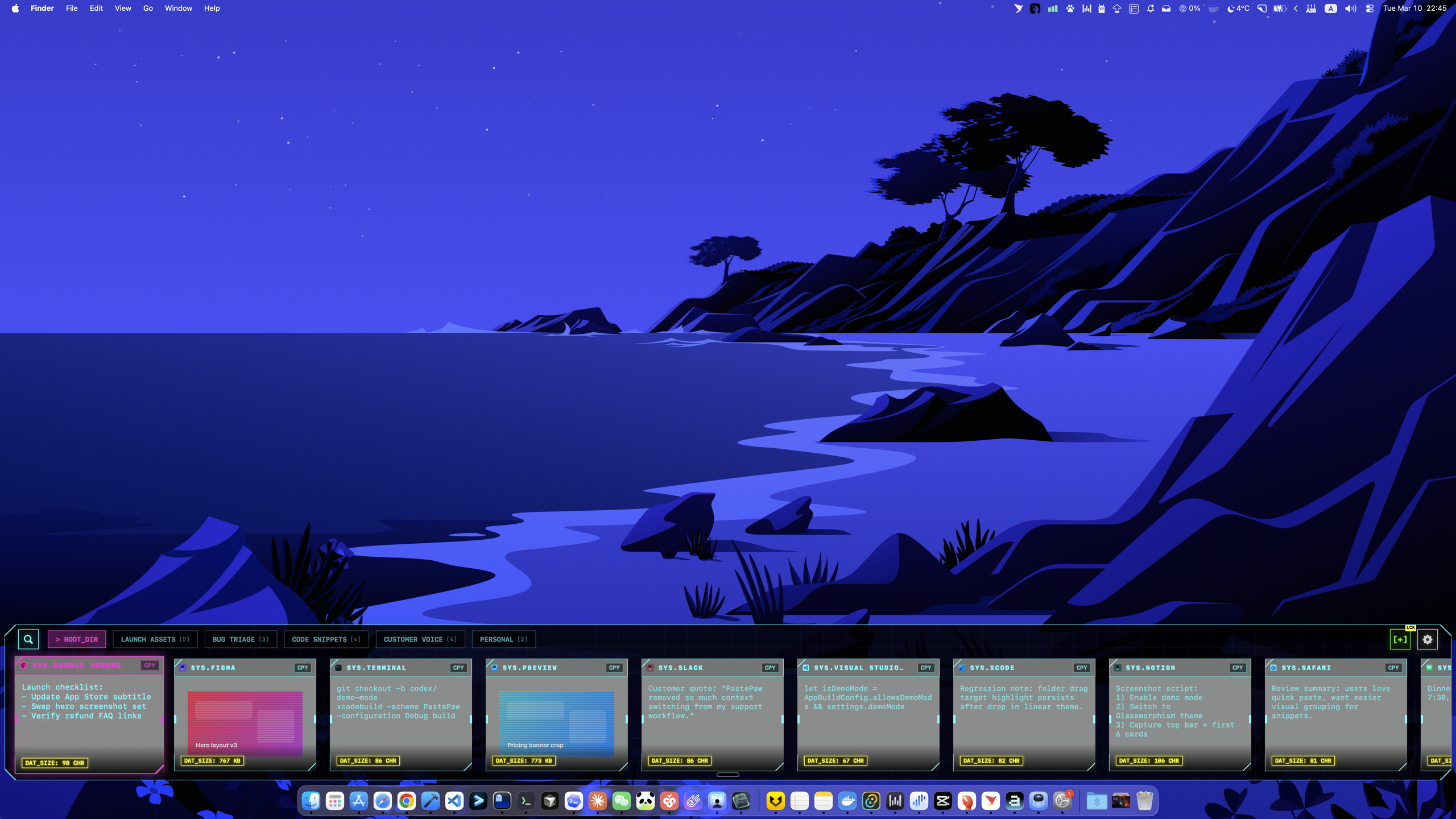
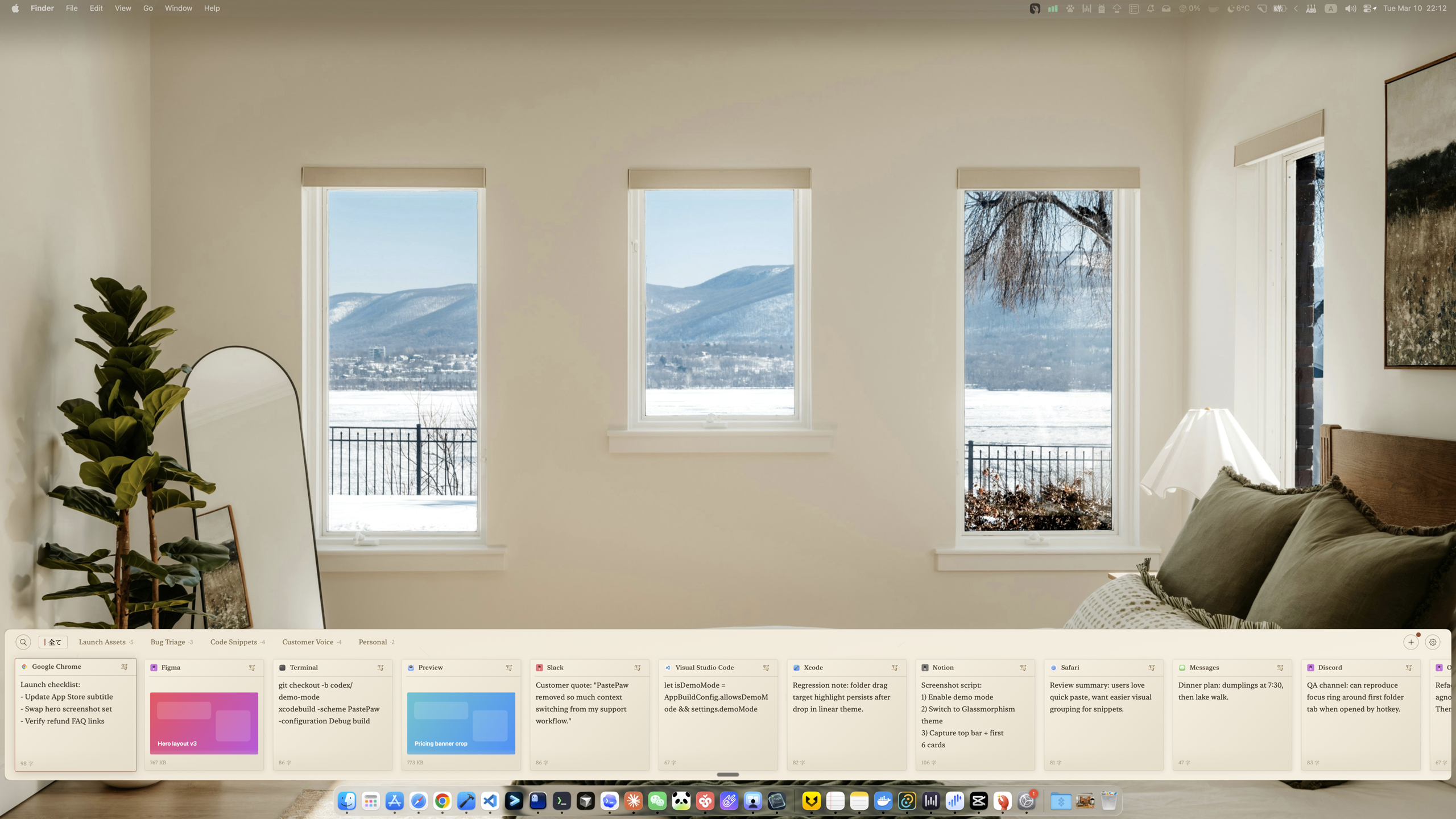
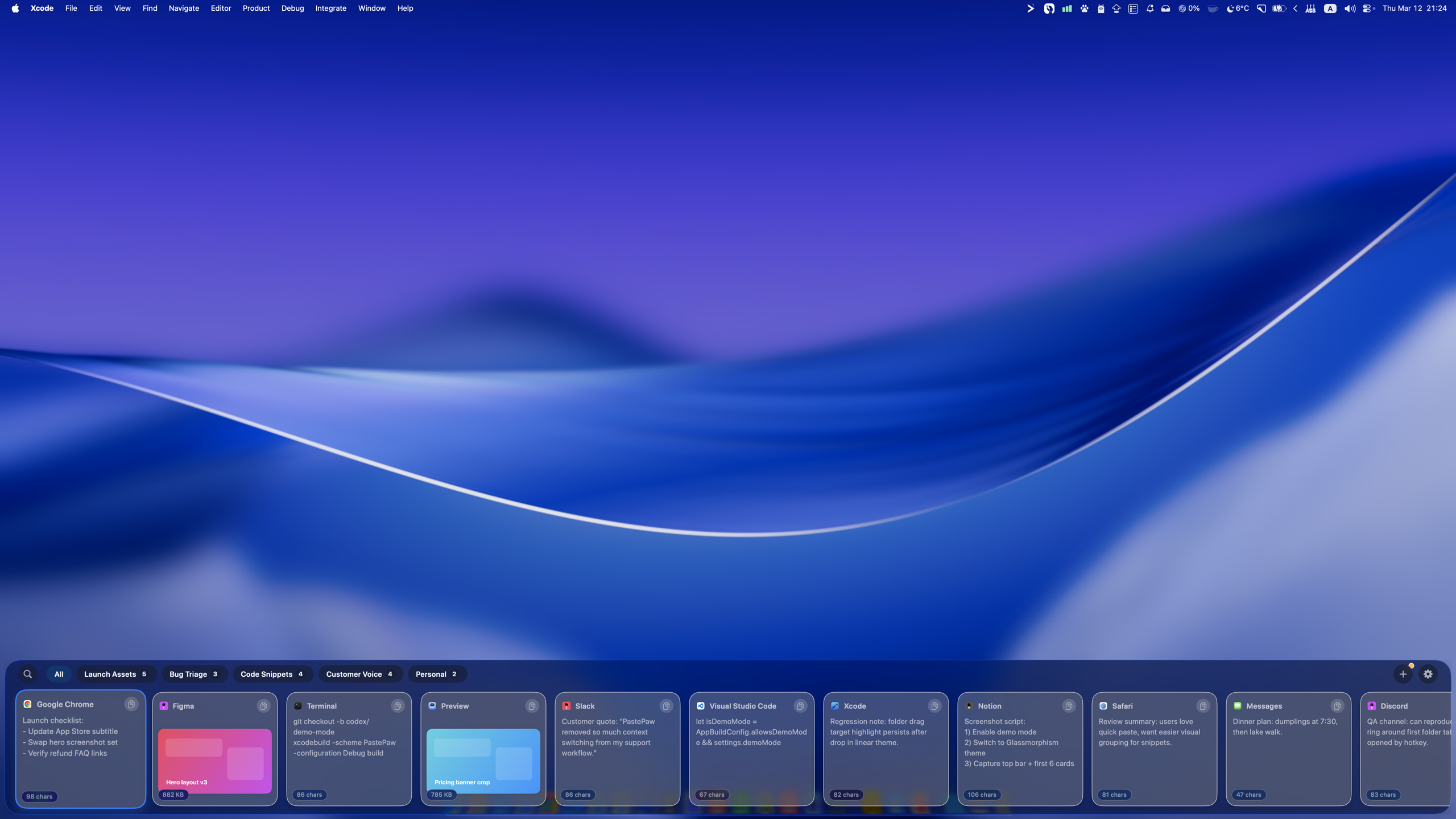
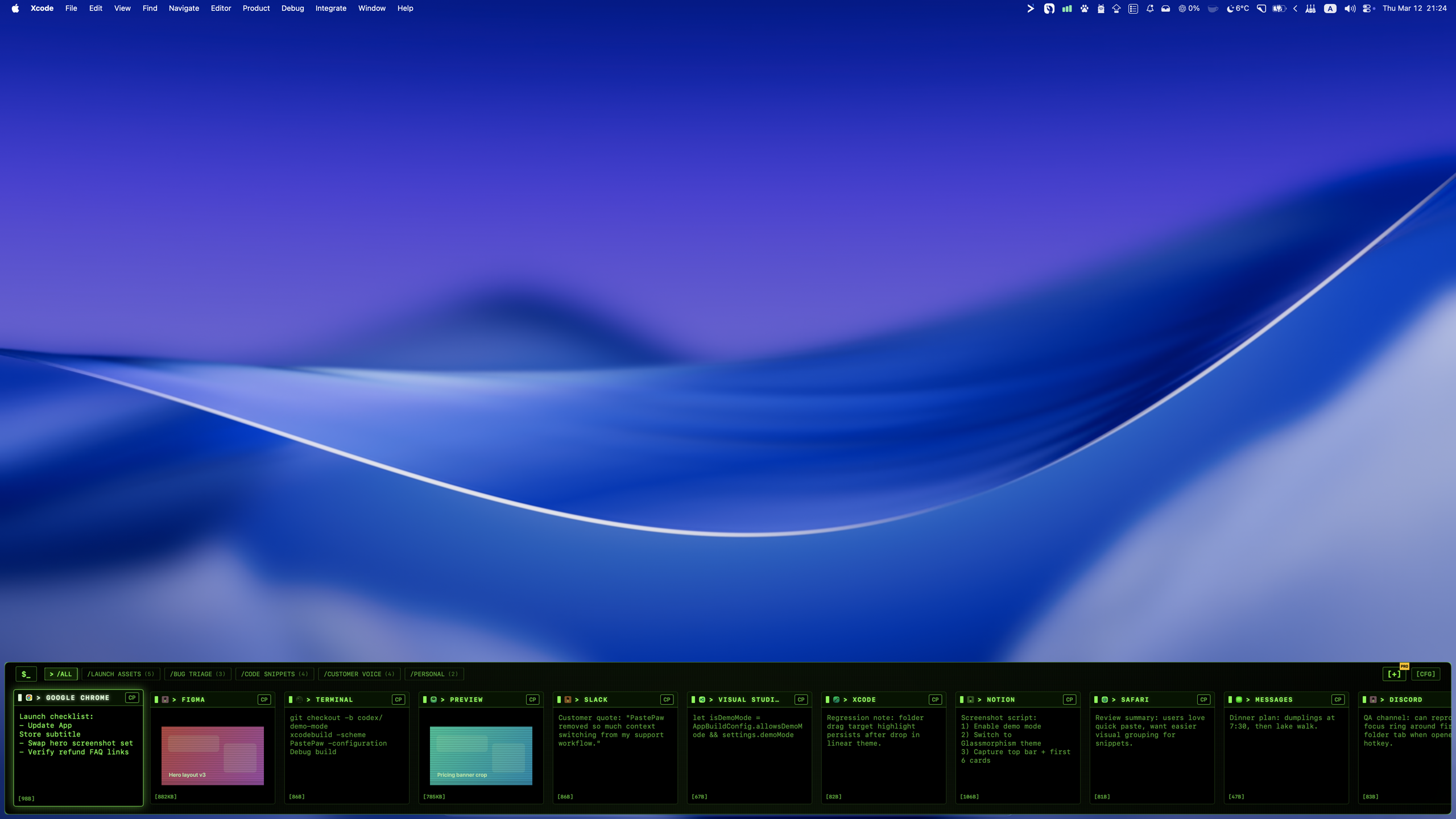
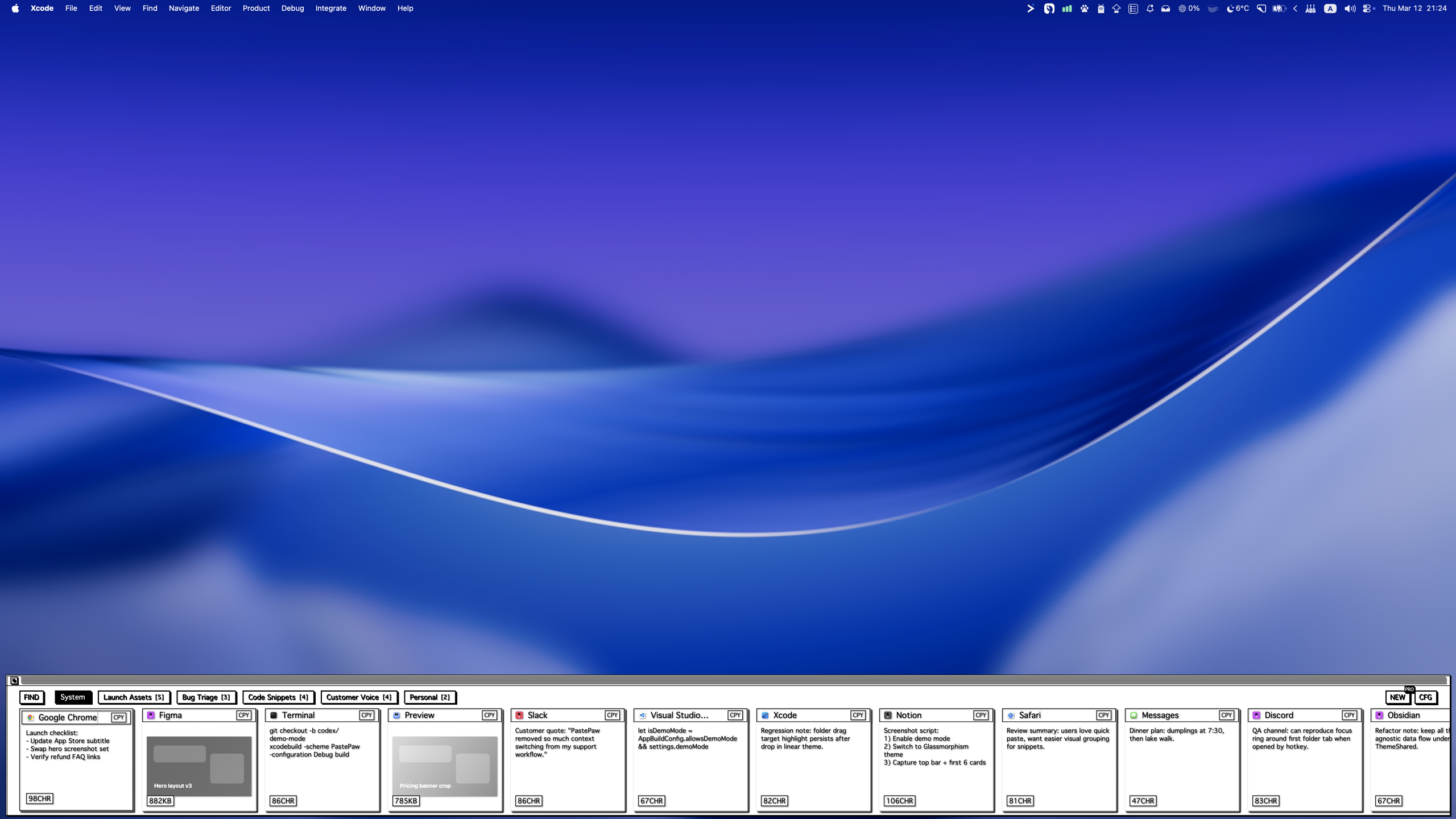
29 Themes. One for Every You.
Horizontal & Vertical Layouts
18 themes run as a full-width strip along the bottom of your screen; 11 as a vertical column pinned to either side — 29 horizontal & vertical looks in all.
MCP Server
PastePaw runs a local MCP server, so your AI agents can use clipboard history as working memory. Everything stays on your Mac, you decide what each tool may read, write, or delete, and secure collections are never exposed.
AI Assistant
Summarize, translate, or run your own custom prompts on any clip — powered by DeepSeek or any OpenAI-compatible model with your own API key.
Instant Search
Find anything you've copied in seconds. Powerful filtering and fuzzy search help you navigate your history effortlessly.
Blazing Fast
Built with SwiftUI and native macOS frameworks for fast launch times and smooth interactions.
Smart Collections
Group clips into folders by hand, or let rule-based Smart Collections file them automatically as you copy.
Secure Collections
Keep sensitive clips in an encrypted folder that unlocks with Touch ID and re-locks automatically when you step away.
Private by Design
All your clipboard data is stored locally in a SQLite database. No tracking, no cloud sync, no data leaves your machine.
Sensitive Filtering
Automatically ignores content from password managers and sensitive applications.
Multi-Select & Batch Paste
Hold ⌘ and click to pick several clips, then paste or drag them all in one move — text, images, and files alike. Every selected item arrives intact, and the drag preview stacks them into a tidy pile that follows your cursor.
More than history. A clipboard that understands your content.
PastePaw detects what you copied and offers the right tool instantly — right inside the preview panel, no extra apps required.
Developer Clip Tools
Decode, format, and inspect any clip without leaving PastePaw — no scratch files, no pasting into a random website. Markdown renders as full GitHub-Flavored Markdown, with syntax-highlighted code blocks and clickable links.
Image Intelligence
Turn any copied image into something useful — pull out text, read codes, or lift the subject from its background.
Power at your fingertips.
Master PastePaw with these simple keyboard shortcuts.